TikTok Shop has gone from a niche feature to one of the fastest-growing sales channels in U.S. retail, with the number of U.S. shops climbing from a few thousand in mid-2023 to roughly 475,000 by 2025. If you've been meaning to launch, the good news is that going live doesn't take months. With a focused plan, a brand can be running its first live selling event in about ten days.
Here's the step-by-step roadmap.
Key takeaways
- A focused brand can go from zero to its first live event in about 10 days.
- The path: account setup, tracking, creators, samples, a brand playbook, a test session, then go live.
- Creators and operations are the slow parts — an existing agency network compresses the ramp.
Days 1–2: Set up your TikTok Shop account
- Register as a seller. Create a TikTok Shop Seller account and choose the right entity type for your business.
- Submit business verification. Have your business documents and tax information ready to speed up approval.
- Connect your catalog. Import or create your product listings with clear titles, high-quality images, and accurate inventory.
- Set up fulfillment. Decide how orders will ship and confirm your logistics can handle livestream-driven spikes.
Tip: Listing quality matters more than people expect. Even though live commerce is content-driven, your pinned products still need clean titles, compelling images, and correct pricing to convert.
Days 2–3: Install tracking and attribution
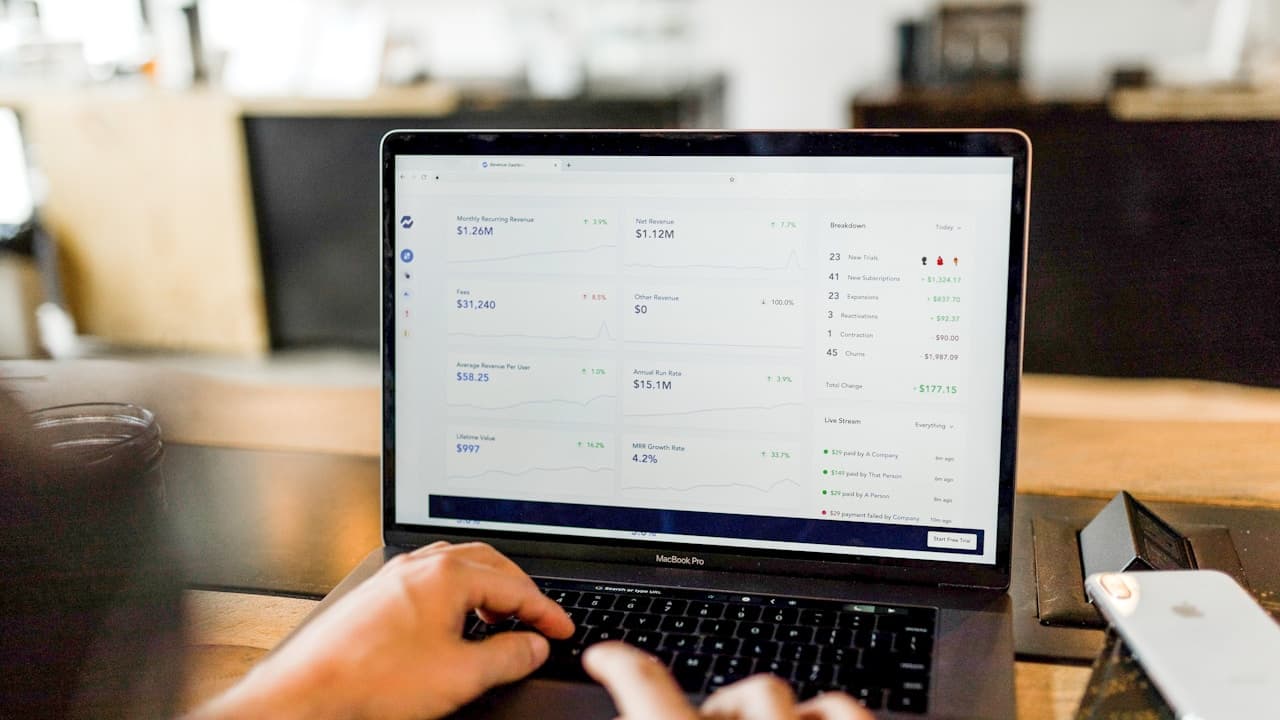
Before you drive a single sale, make sure you can measure it. Configure analytics so you can tie revenue back to specific creators, videos, and live sessions. Without attribution, you'll have no way to know what's working — and live commerce lives and dies on optimizing toward your best performers.
Days 3–5: Source and match creators
Creators are the engine of TikTok Shop. Rather than relying on whoever happens to find you:
- Define your ideal creator profile — category fit, audience demographics, content style, and whether you need English-language, bilingual, or Spanish-first creators.
- Recruit at volume. The goal is a roster, not a single creator, so you can test and find your top performers.
- Vet and approve. Review each creator's audience and content quality before bringing them on.
- Set clear terms. Establish commission structure and expectations up front.
This is the step where most brands stall, because building a creator pipeline from scratch is slow. A live commerce agency with an existing network can compress this from weeks to days.
Days 5–7: Coordinate product samples
Creators need product in hand to demonstrate it convincingly. Ship samples early, track every shipment, and confirm receipt so nothing derails your launch timeline. If you're activating many creators at once, this logistics layer becomes a real operation — plan for it.
Days 6–8: Build your scripts and brand playbook
Give creators the tools to sell on-brand without sounding scripted:
- Key talking points for each hero product — benefits, differentiators, and common questions.
- Offer structure — bundles, limited-time discounts, and giveaways to build urgency.
- Do's and don'ts — compliance guidelines and brand guardrails.
- A pre-live checklist so every session starts clean.
Days 8–9: Run a test session
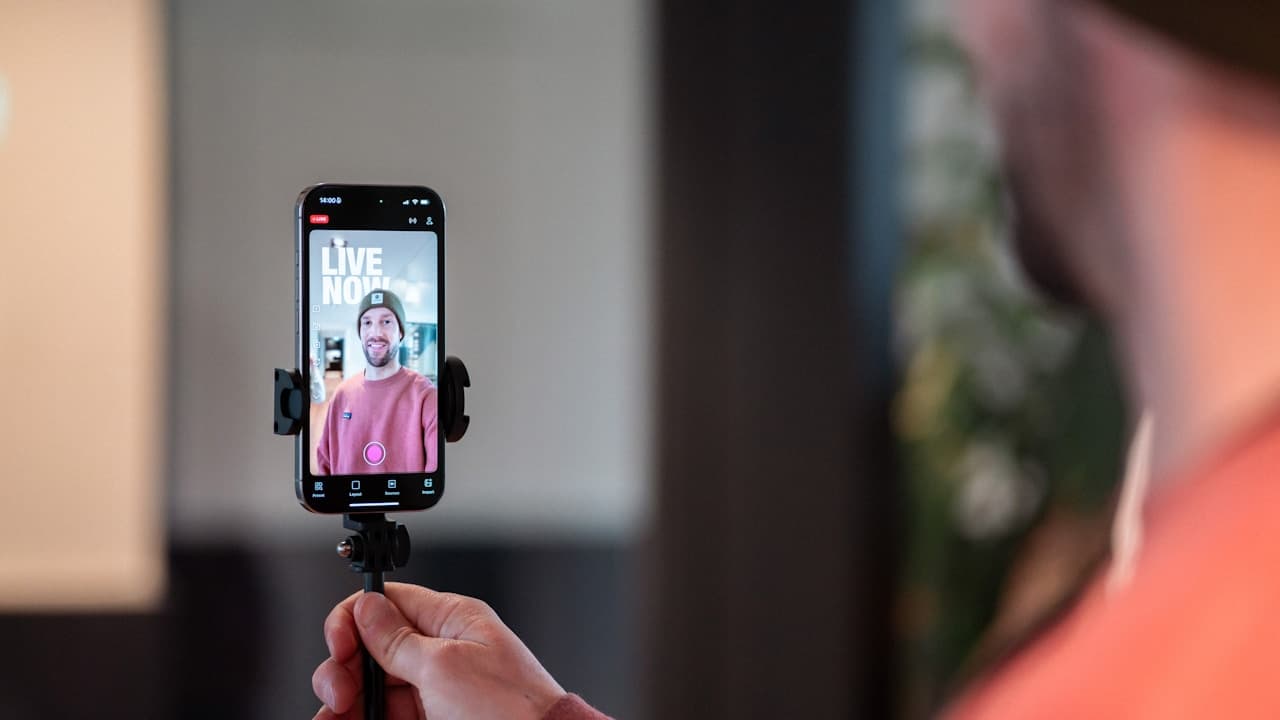
Before a full launch, run a smaller test live. Check your audio and video quality, confirm products pin correctly, make sure checkout works, and have a moderator ready to handle the chat and surface questions to the host. Treat it as a dress rehearsal.
Day 10: Go live
Run your first full live selling event. A few fundamentals that drive results:
- Have a moderator managing chat and feeding questions to the host in real time.
- Demonstrate, don't just describe — show the product in use.
- Create urgency with time-limited offers during the stream.
- Watch your real-time metrics so you can adjust on the fly.
- Capture a post-event summary to learn what to repeat.
After launch: optimize and scale
Going live once is easy; building a channel is about consistency. Establish a weekly cadence of live sessions, keep a steady flow of shoppable videos running between events, and review attribution every month to double down on your highest-ROI creators and formats. This compounding loop is what turns a launch into a top revenue channel.
The shortcut
The ten-day timeline is realistic — but only if you have creators, production, sampling logistics, and attribution ready to go. Most brands underestimate how much operational lift that requires, especially across creator ops and logistics.
That's the gap WABU fills: we connect your TikTok Shop, install tracking, match you with creators from our active network, coordinate samples, and run the sessions — so brands go live in about ten days without building an in-house team. We also support Hispanic and Spanish-first audiences for brands targeting U.S. Hispanic and cross-border LATAM markets.
Book a strategy session to map out your launch.
Setup steps reflect TikTok Shop's seller onboarding process as of 2026; verify current requirements in TikTok Shop Seller Center, as platform details change.
Frequently asked questions
How long does it take to set up TikTok Shop and go live?
A focused brand can go from zero to a first live selling event in about 10 days: account and seller setup, tracking, creator sourcing, product samples, a brand playbook, a test session, then launch. The slow parts are usually operations, not the stream itself.
What do I need before my first live selling event?
A configured TikTok Shop seller account, working attribution and tracking, matched creators with product in hand, a loose script and brand guardrails, and a test run to check audio, lighting, and checkout flow before going live for real.
Do I need creators to run TikTok Shop live?
Creators are the engine of TikTok Shop. Rather than relying solely on your own team, most brands match with vetted hosts whose audiences and selling ability drive the stream. The right host is the biggest factor in whether a launch converts.